SilverConnect for Seniors
Simple, safe, and designed just for you
SilverConnect is a family-controlled care coordination app that helps you stay safe at home while staying connected with your family. This is not a monitoring app. It's a coordination app.
No complicated technology—just simple tools that work. You don't need to learn a new app. Talk, text, or tap — it works the way you're comfortable.
What you can do with SilverConnect
- •Talk, text, or ask Silvia for help or information
- •Check in simply (just tap "I'm OK")
- •Stay independent without feeling watched
- •Offer help to others when you can (purpose)
How it starts: Your family sets up your circle. You don't need to do everything.
What You See vs. What Your Family Sees
What You See
- ✓Simple wellness check-ins (just tap "I'm OK")
- ✓Easy way to request help when you need it
- ✓Talk to Silvia (your household guide) by voice or text
- ✓Large buttons and clear, simple screens
- ✓No confusing menus or hidden features
What Your Family Sees
- ✓Peace of mind knowing you're safe
- ✓Alerts when you need help or leave home
- ✓Ability to coordinate trusted helpers for you
- ✓Protection from scams and fraud
- ✓A calm view of what matters most
You're Not Just Being Helped — You're Still Needed
SilverConnect is designed for connection, not monitoring. You're a contributor, not a patient.
You can both give and receive. Many elders want to help others too — a check-in, a walk, a shared routine. Whether it's sharing companionship with a neighbor, checking in on a friend, or offering simple support—you have value to give. When elders help elders, everyone gets stronger.
Your family sets the boundaries. You keep your dignity. SilverConnect doesn't track or surveil you. You decide what to share, when to share it, and with whom. All features are opt-in and controlled by you and your family.
Purpose through helping each other, not dependency through monitoring. This is about maintaining dignity, contribution, and belonging—not about creating dependency or surveillance. Learn more about how SilverConnect is different →
How It Works for You
Your Family Sets It Up
Your adult children or family members set up SilverConnect for you. No codes needed—they handle everything.
You Use It Simply
Large buttons, clear screens, and voice commands make it easy. You can talk to Silvia or just tap "I'm OK" to check in.
Your Family Stays Connected
Your family knows you're safe, and they can send trusted helpers when you need them. Everyone stays connected.
See What It Looks Like
Designed Just for You
- 📱Large Buttons: Every button is large and easy to see and tap, even with glasses.
- 🔊Voice Commands: Talk to Silvia naturally. No need to type or navigate complex menus.
- 🎨High Contrast: Clear colors and large text make everything easy to read.
- ✨Simple Screens: No hidden menus or confusing options. Just what you need, when you need it.
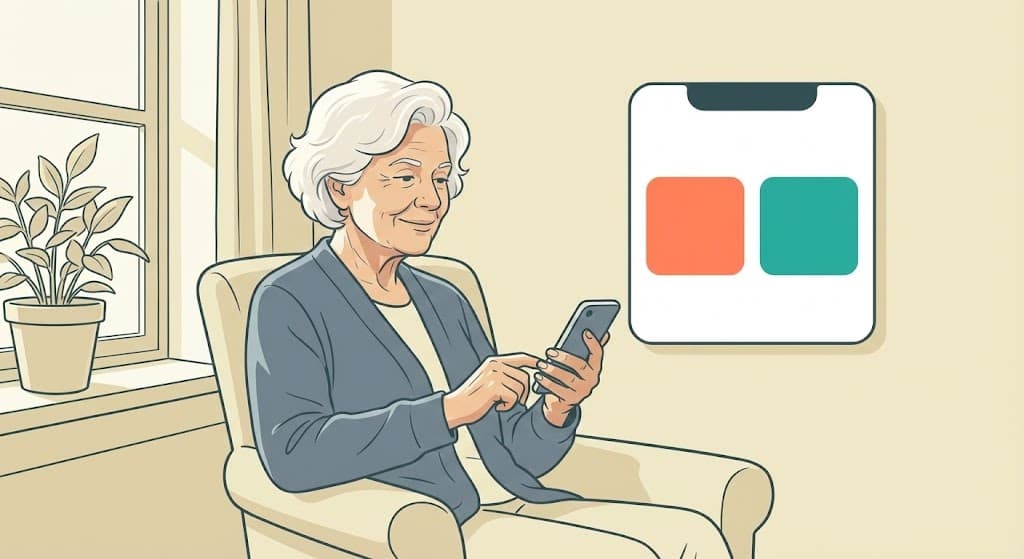
Clear and Simple
Every screen is designed to be intuitive. Large touch targets, clear labels, and simple navigation mean you can focus on what matters—staying connected and getting help when you need it.
You can speak, text, or use Siri. You can call Silvia too (coming soon).
SilverConnect works the way you're comfortable using your phone.
Your Privacy & Control
You're in Control
You decide when to check in, when to request help, and what information to share. SilverConnect respects your independence.
Your Data is Safe
We use industry-standard encryption to protect your information. We never sell your data, and only your trusted family circle can see what you choose to share.
No Pressure
Use SilverConnect as much or as little as you want. It's there when you need it, but it won't bother you when you don't.
What if I don't have family nearby?
SilverConnect does not require nearby family. You can be supported by trusted neighbors, friends, or care community helpers. Someone still approves your Trusted Circle—this could be a distant family member, someone you choose to be your contact, or a care community you work with. You are never left alone with strangers. Everyone in your circle is known and approved by someone you trust.
If you're not tech-savvy
You can use SilverConnect by talking, texting, or tapping a few simple buttons. No need to navigate complex menus or remember complicated steps.
Your family can handle setup and updates. Once it's set up, you can interact naturally—just talk to Silvia, send a text, or tap "I'm OK" when you want to check in.
Ready to Get Started?
Your family can set up SilverConnect for you—no codes or complicated sign-ups needed.

For Seniors: You don't need to learn a new app. You can interact through voice, text, or Siri. Ask your family to set this up for you—no codes needed. Your family member will:
- Request a Founding Family invite (if they don't have one)
- Install the SilverConnect app via TestFlight (during beta, installs are via Apple TestFlight email invite)
- Add you to their account
- Set up your simple interface
- Show you how to use it
That's it! No codes, no complicated forms—just simple setup by someone you trust. Once it's set up, you can talk to Silvia, tap "I'm OK", or request help—all through voice, text, or Siri. No need to navigate complex menus.
Note: If a senior wants the app on their phone, we can onboard them via TestFlight during beta. Typically, seniors are added by family inside the app, so they don't need a separate invite code.
Ask your family to set this up for you