Trust & Safety
A calm, trust-first system designed for families supporting aging parents.
In our Private Beta, families and helpers join through trusted invites, and important actions require family approval.
Quick Trust Checklist
- ✓Trust-first access: helpers join through family invitations, not an open marketplace
- ✓Families control permissions and who can see what information
- ✓Important actions require family review—human judgment is central
- ✓Safety features enable trust and connection, not surveillance or control
- ✓Data belongs to your family, encrypted and protected
The Trust Triangle
Process Trust
Trusted-circle entry, clear permissions, and safety-first workflows.
Competence Trust
Structured coordination tools and trusted check-ins designed to reduce confusion.
Values Trust
Compassion AI: calm reassurance, not surveillance or hype.
Helper Trust Graph
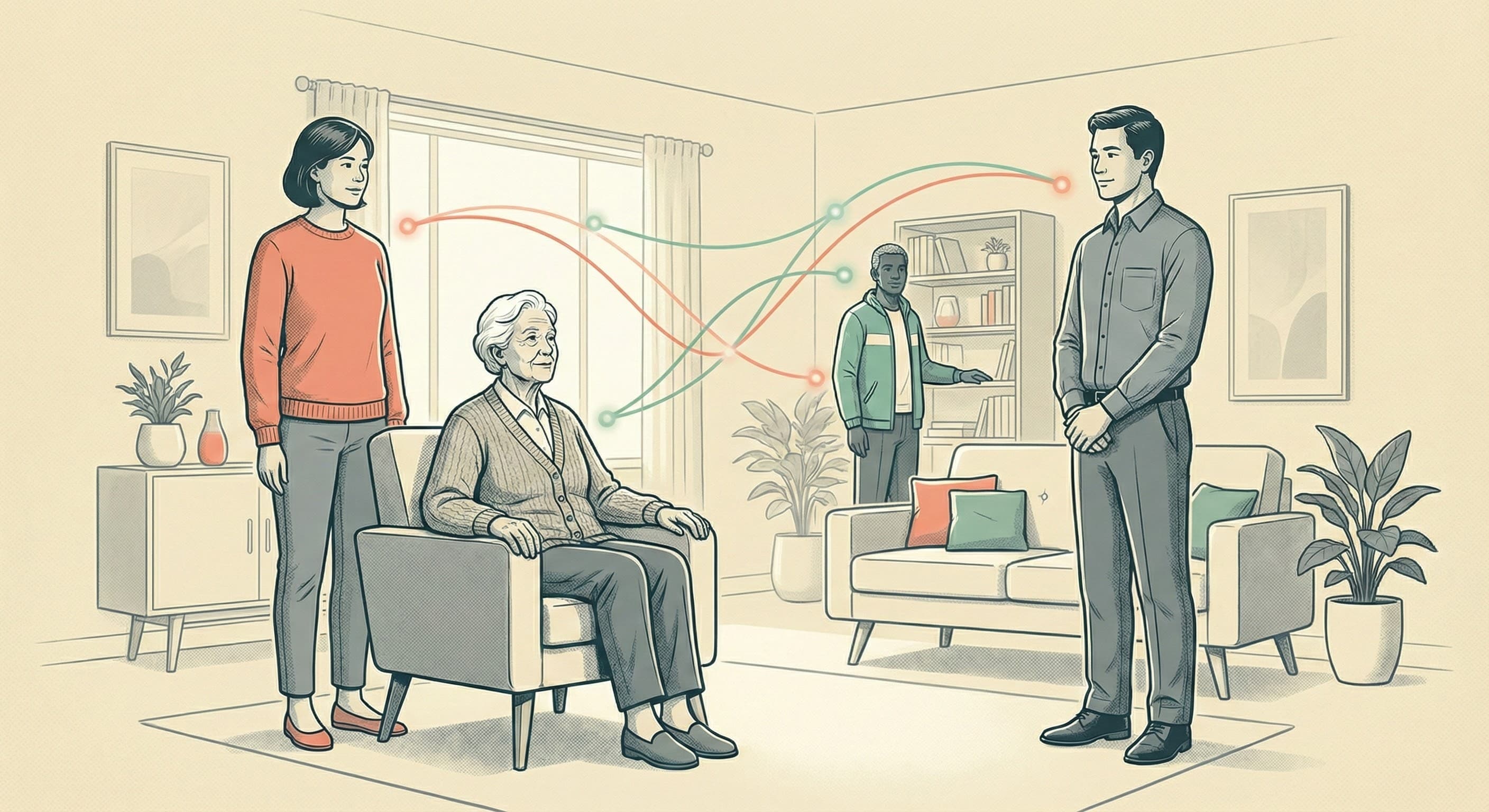
SilverConnect is a trust-first system. Families invite helpers they already know or who are trusted by their family. Over time, trusted check-ins and shared history make coordination clearer—but families always stay in control.
This invite-based access creates the foundation for trust. Verification is a journey, not a checkbox—introduced gradually as relationships deepen and access expands.
Private Beta, Trusted Entry
During beta, we onboard families and helpers via Apple TestFlight email invites. Family caregivers and Helpers need an invite code (sent after TestFlight approval). Seniors are typically added by family inside the app (no code required). Learn how Private Beta works →
Request a Founding Family Invite →Safety Features
ID Verified
Identity verification is rolling out during beta for helpers and sensitive actions.
OTVC Check-in
A one-time code supports trusted visit check-ins during scheduled help.
FraudGuard
Check suspicious texts, links, and QR codes before trusting them.
Trusted Circle
Families decide who can help and what they can do.
Safety Exists to Enable Trust — Not Control
Every safety feature in SilverConnect exists to support elders helping each other and trust, not to restrict autonomy or create dependency.
FraudGuard helps you check suspicious messages before trusting them—so you can safely connect with others. OTVC check-ins confirm trusted visits—so elders can help each other safely. Trusted Circles ensure everyone is known—so elders can help elders without risk.
Safety features enable purpose through helping each other. They don't monitor, restrict, or control. They create the conditions for trust, dignity, and mutual support.
Why Trust Comes First
SilverConnect is a trust-first system. During Private Beta, families and helpers join through trusted invites (invite codes or phone-based invites), not an open marketplace.
This invite-based access ensures that every person in a Trusted Circle is known to the family. There's no anonymous access, no surprise helpers, and no open browsing. Trust is built through relationships first—verification layers are added gradually as a journey, not enforced universally as a checkbox.
We avoid universal verification and automated enforcement. This is not surveillance—it's trust-first access that creates conditions for elders to help each other safely and meaningful connection.
Identity & Verification (Beta)
Identity verification may be requested during beta for some roles. Verification is a journey, not a checkbox—introduced gradually and contextually, not enforced universally. If requested, it helps us strengthen safety as relationships deepen and access expands.
Background checks and stronger verification (KYC) are part of our longer-term safety roadmap as we approach public launch. But trust-first access remains our foundation—relationships before verification, not verification before relationships.
What Happens When Things Go Wrong
If verification is requested and there's a delay
Human support is always available. If identity verification is requested and you need help, we provide direct assistance. We don't automate this—every verification request is reviewed personally.
If a helper doesn't show up
Families are notified immediately. You can contact your helper directly or reach out to us. This is why we emphasize trusted relationships—when helpers are known to families, communication flows more naturally.
If a senior doesn't respond to a check-in
The family is notified. This is why human judgment is central—families know their loved ones' patterns. The system supports, but doesn't replace, human understanding. We never automate emergency responses.
SilverConnect amplifies human connection—it doesn't replace it. When things go wrong, people are always involved.
Trust-First Onboarding
How helpers join a family's Trusted Circle during Private Beta
Invite
Family sends invite to trusted helper
Identity Verification
May be requested for some roles (rolling out gradually)
OTVC Check-in
One-time code for each visit
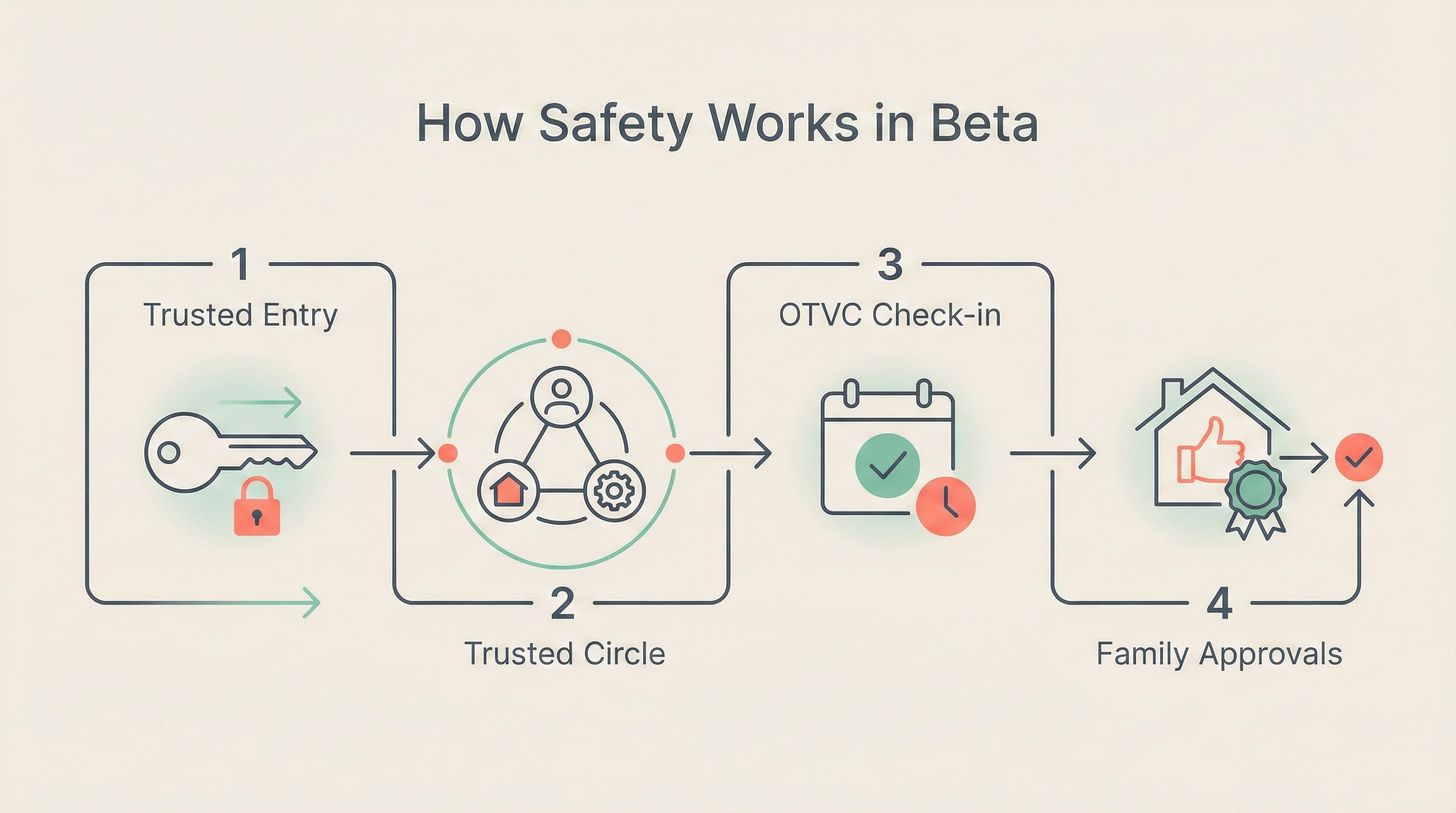
How Safety Works in Beta
Trusted Entry (Private Beta)
Families and helpers join through TestFlight email invites. Approved users receive install instructions and invite codes.
Trusted Circle Controls
Families set permissions and visibility.
OTVC Check-in
Visits can use one-time codes for clearer check-ins.
Family Approvals (Beta)
Important alerts (like Home Safe Zone) ask a trusted family member to review.
FraudGuard
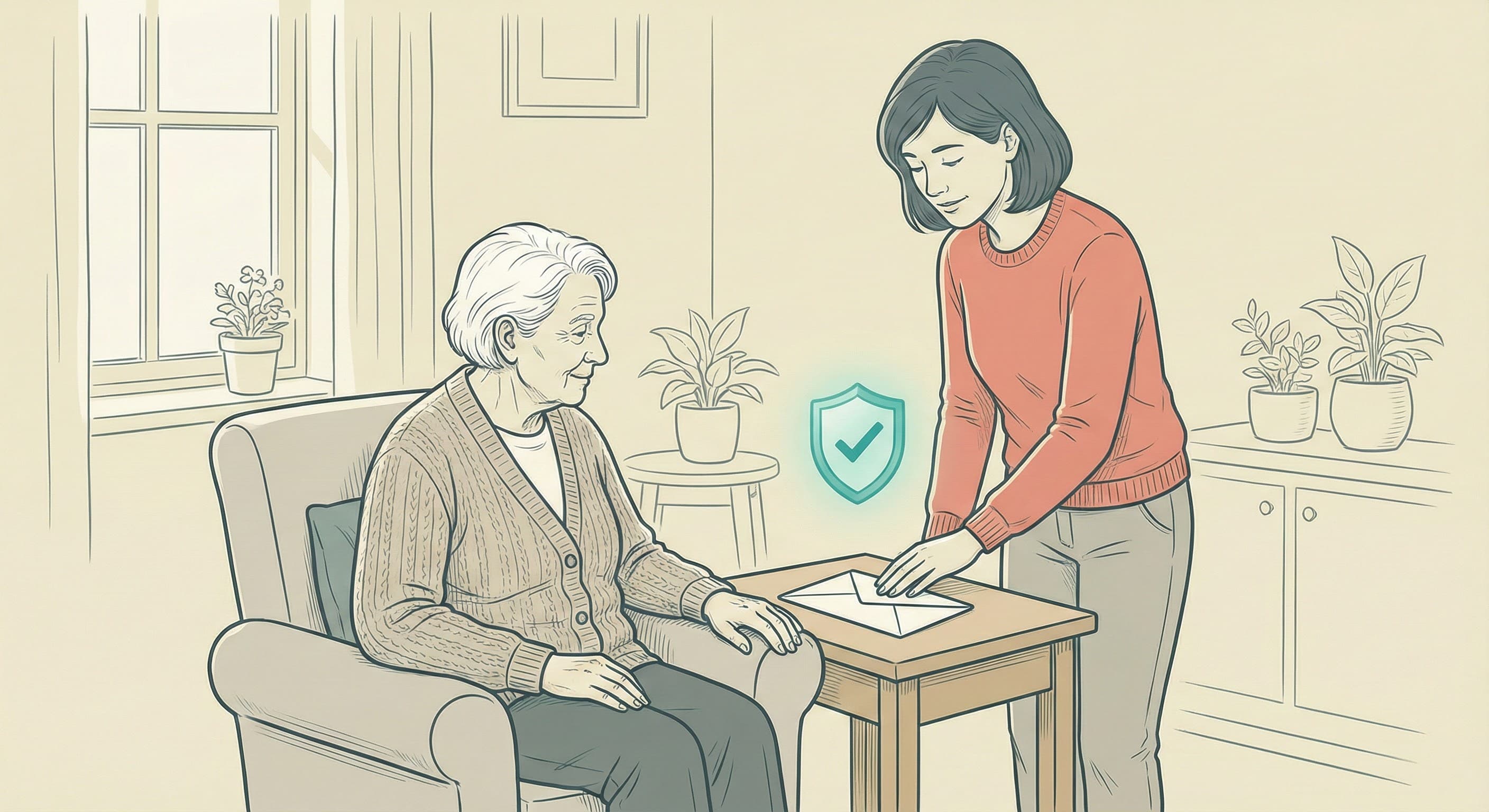
FraudGuard helps families check suspicious texts, links, and QR codes before trusting them.
Silvia, your household guide, helps families understand alerts and coordinate next steps. Important actions require family review—human oversight is central to safety.
Home Safe Zone (Beta)
Home Safe Zone (Beta) helps families stay informed when a loved one leaves or returns from a set home area. Important moments appear as alerts for the family to review.
Important: This is not emergency monitoring or surveillance. Families review alerts and decide how to respond.
Family Approvals: SilverConnect asks a trusted family member to review Home Safe Zone alerts (Beta). This feature supports families but does not replace human judgment or professional care.
Care Communities (caregiver organizations)
Care Communities participate inside family-approved Trusted Circles. Learn how Care Communities participate →
Care Communities do not override family decisions. SilverConnect is not a dispatch system.
All participation is family-visible and explainable.
What SilverConnect Is Not
- Not emergency monitoring or a medical device. It does not provide automatic emergency response or continuous medical monitoring.
- Not surveillance. SilverConnect does not monitor or track people without their knowledge or consent. All features are opt-in and controlled by families.
- Not a replacement for human judgment. It supports coordination and communication but critical decisions require family review and professional care when needed.
Security & Privacy
- Data is encrypted when sent between your device and our servers, and when stored on our servers.
- Strict access controls ensure only authorized people can see your information.
- You control who sees what through your Trusted Circle settings—family members and helpers only see what you share.
Data Protection
During our Private Beta, we're building trust with families through careful, trusted access. We don't sell your data, and you control what information is shared and with whom.
Your privacy matters. We use your information only to provide and improve SilverConnect, and we're committed to keeping it safe.
Data Privacy
Your family’s privacy is our priority. We use encryption, secure storage, and strict access controls to protect personal information.
We never sell your data. You control what information is shared and with whom through your Trusted Circle settings.
For more details, please review our Privacy Policy.
Ready to Experience Trust & Safety?
Join our Private Beta as a Founding Family and see how SilverConnect protects your loved ones with trust-first access, scam protection, and family oversight.